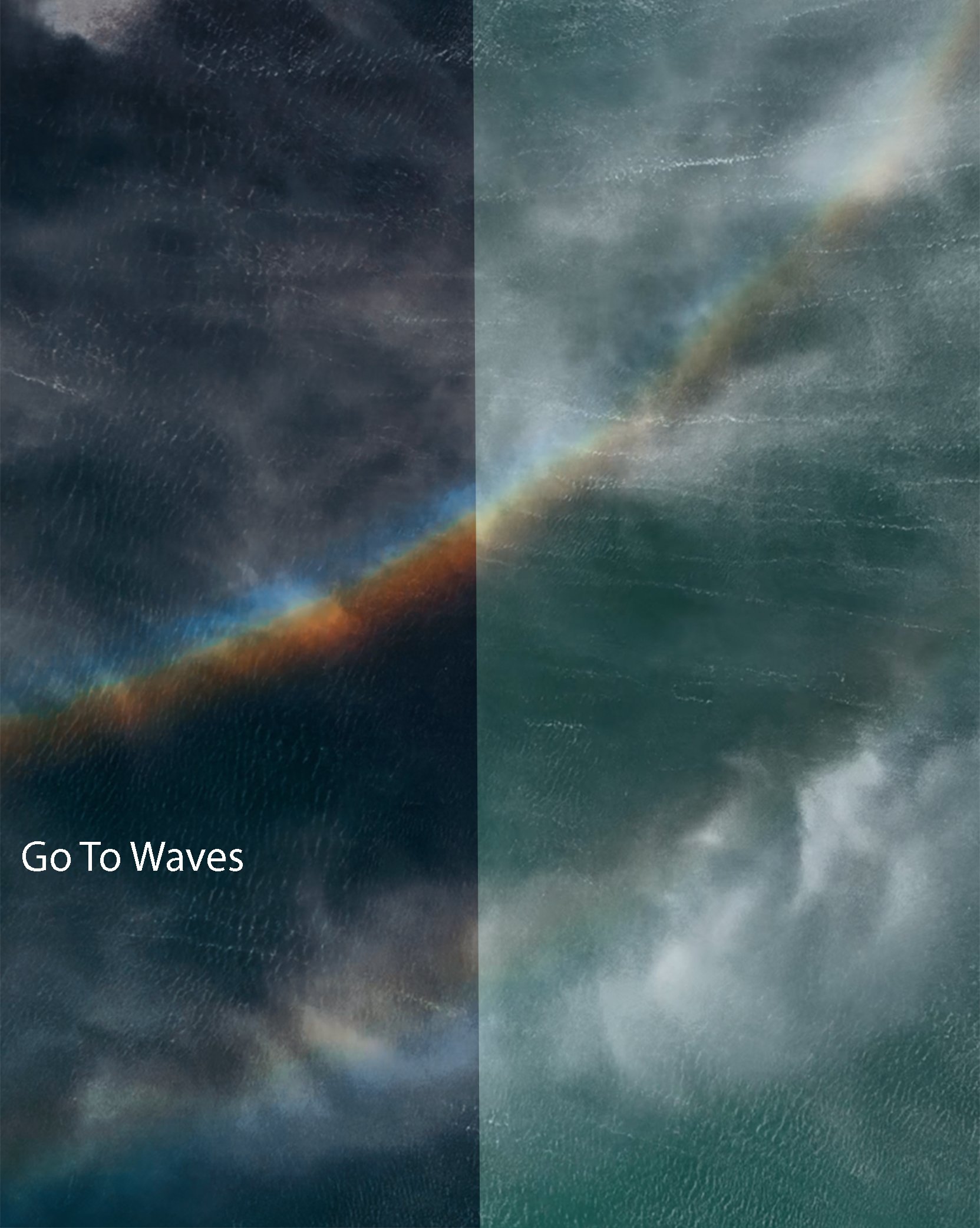
Made for beginners or editing experts, these exclusive EMOCEAN LUT’s will bring out the colour in your footage like never before.
This pack includes:
5 Video Luts compatible with:
Adobe Premier Pro (Computer)
Davinci Resolve (Computer)
Final Cut Pro X (Computer)
VN Video Editor (Mobile Phone)
Capturing stunning morning sunrises or unique textures of waves, these LUT’s are what I have used on all of my viral videos.
LUT’s included:
Go To Waves
Blue Tide
Low Tide
Sunrise
Fusion
Remember all footage is different. Use the adjustment mixer and levels in combination with these LUT’s to bring the best out of your clips. If you have any questions, send me a message or an email and I will help you out as soon as possible!
Files will be ready for digital download via email after checkout.
Please view the presets guide HERE to learn how to install.
Here are 5 unique presets designed and used by Tim to edit all of his aerial footage.
This Pack Includes:
5 Video Luts Compatible with:
Adobe Premier Pro
Davinci Resolve
Final Cut Pro X
Capcut Mobile
What To Expect..
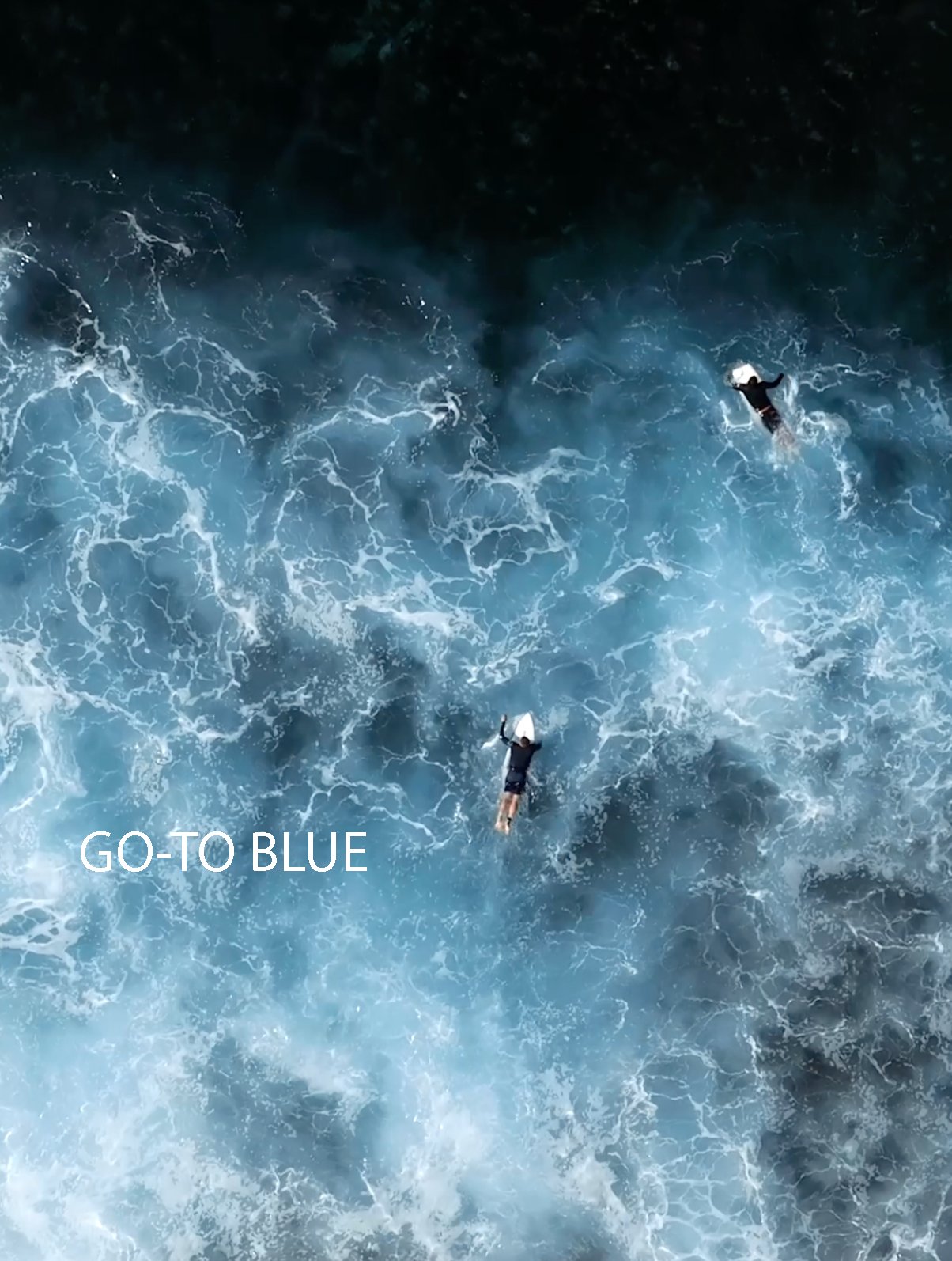
This footage was taken on a DJI Mavic 3 Pro and edited using my presets along with local adjustments in Final Cut Pro X.
Please keep in mind..
All LUT’s work differently on different footage depending on how they were shot (lighting, exposure, time of day, camera settings) as well as location. It's important you apply further tweaking such as colour correcting to make these presets work for your footage.
SURNRISE LUT
Go-To LUT
Blue Tide LUT

Installation
Importing your LUTS is very simple and compatible with most profession video editing software.
For CapCut I recommend using VN as its free, easy to use and brings your mobile footage to life. Simply import files to your file tab on your smart phone and open through VN.